Getting Started
01
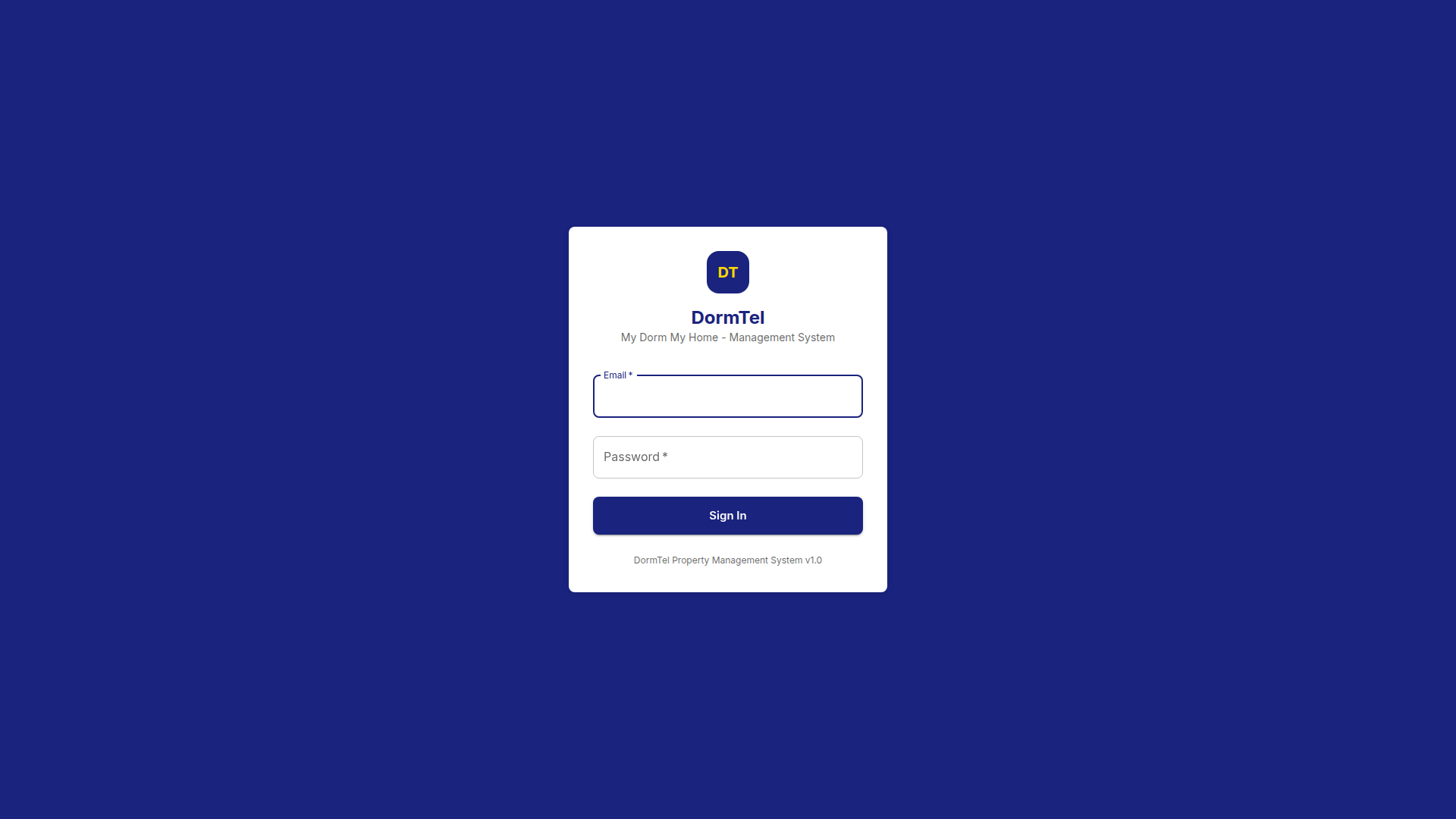
Log In to Your Account
Visit the DormTel website and log in with your email and password. Your data is protected with encrypted credentials and secure authentication.
Home
02
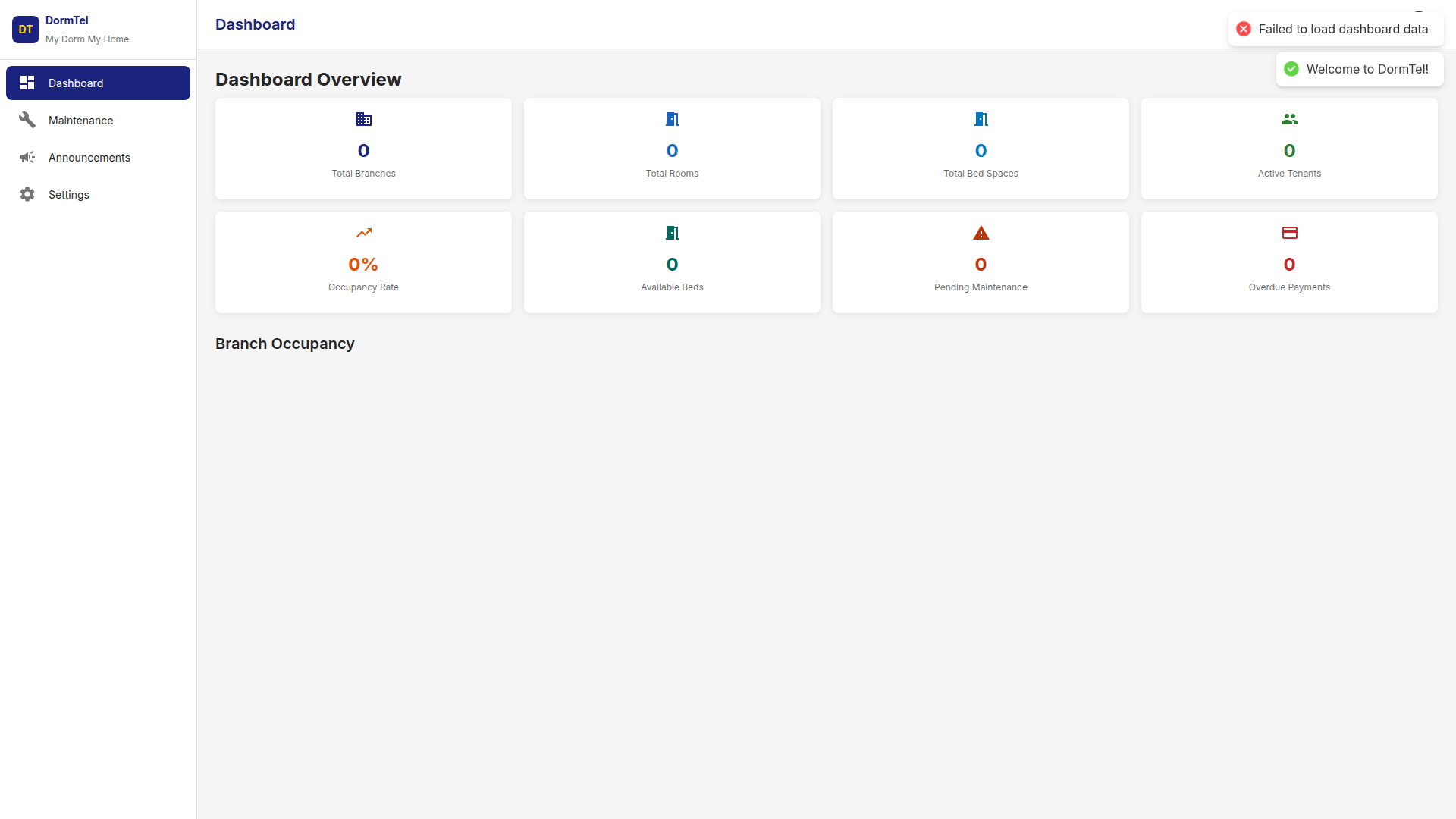
Your Dashboard
Your personal overview showing room assignment and important notices. The sidebar menu gives you quick access to all available features.
Requests
03
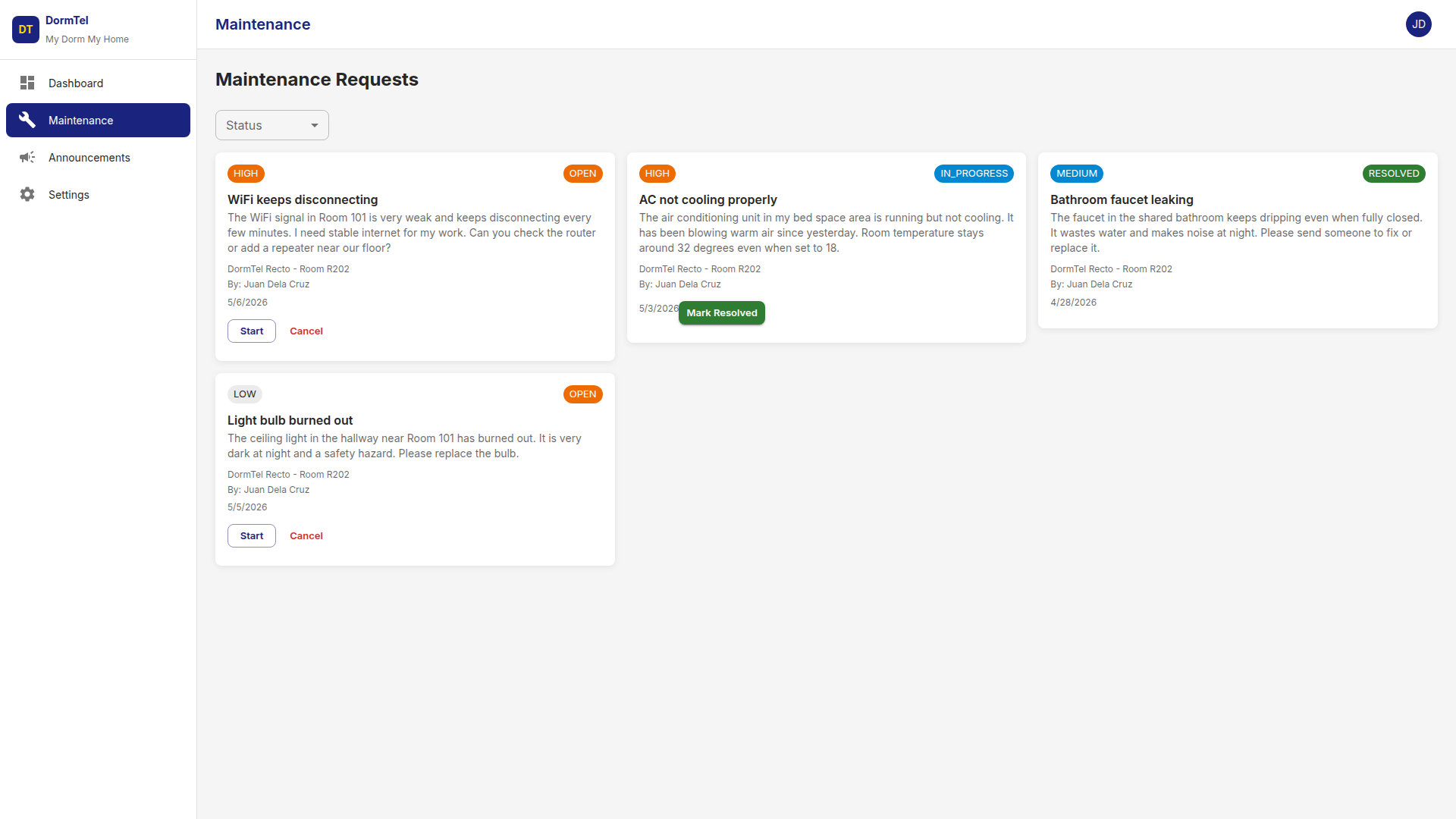
Maintenance Requests
Submit repair requests instantly. Leaky faucet, broken AC, or WiFi issue? Describe the problem, set priority, and track status from submission to resolution.
Updates
04
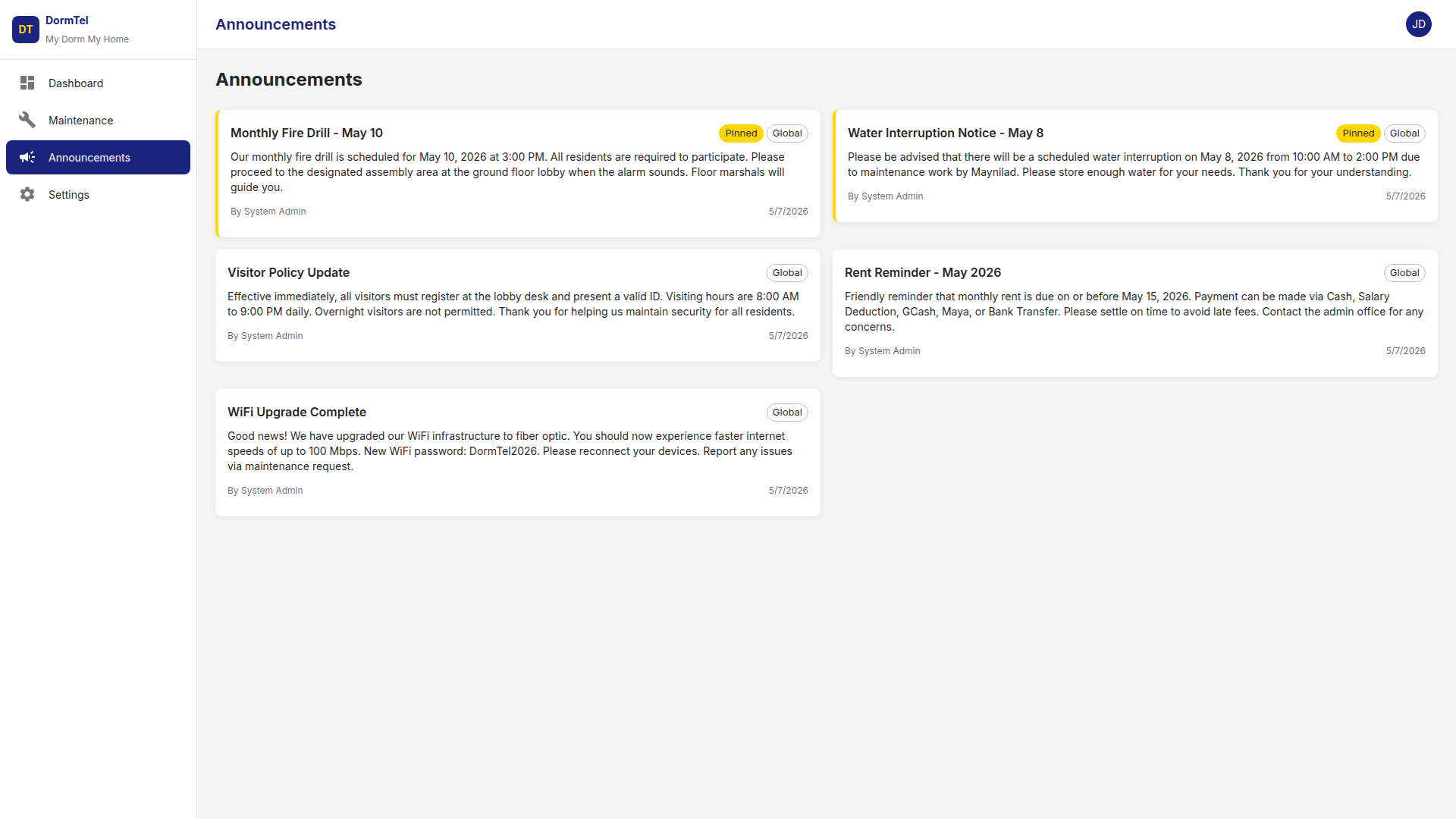
Announcements
Stay informed with notices from management. Water schedules, fire drills, community events, and policy updates. Pinned items always appear at top.
Account
05
Profile & Settings
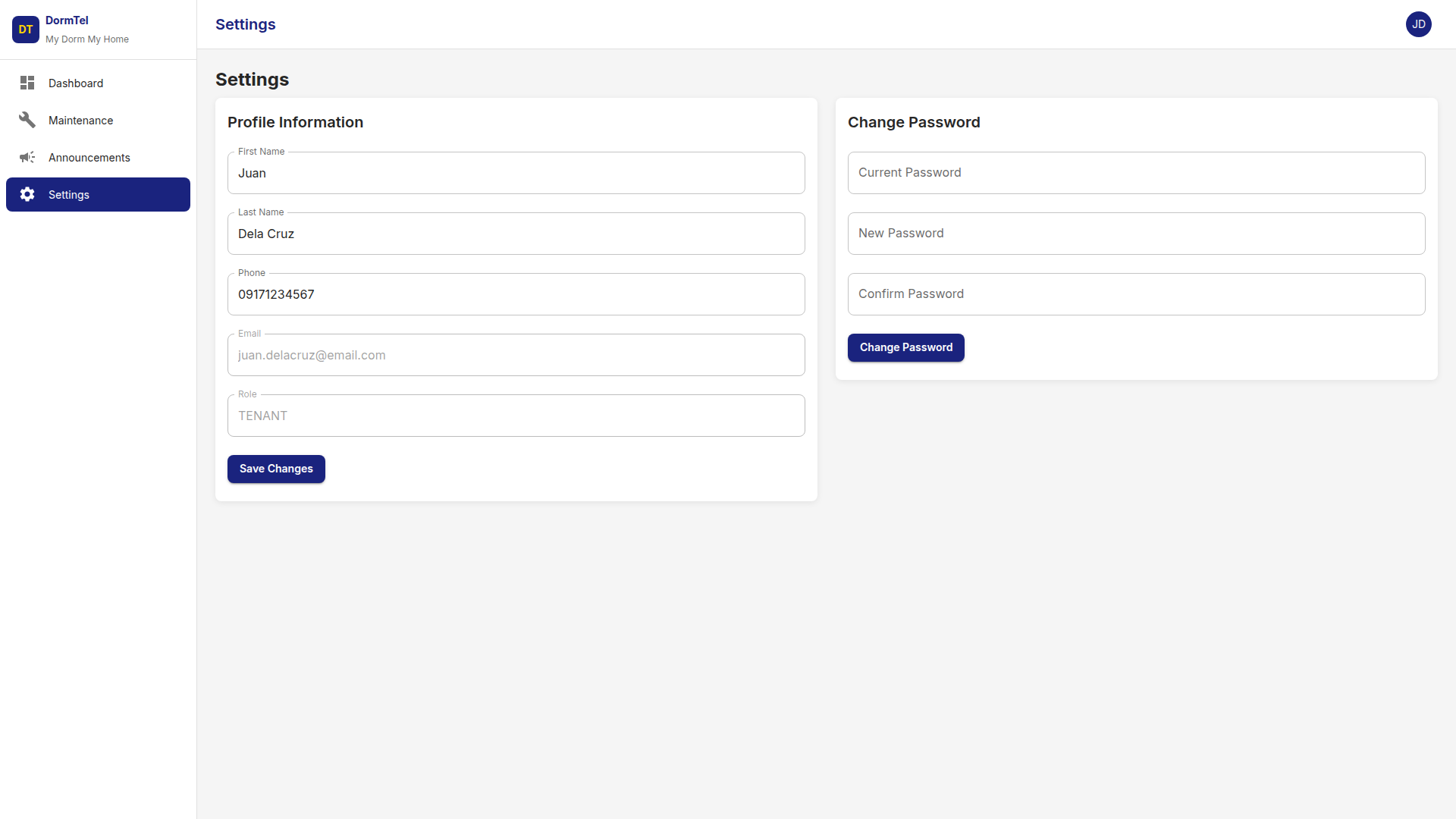
Update your profile and change your password anytime. Keep contact details current so management can reach you when needed.